01
The aircraft you are actually on
Look up the flight. SeatGuru matches the tail, or the type the airline has filed, to that airline’s cabin — not a generic diagram of the model.
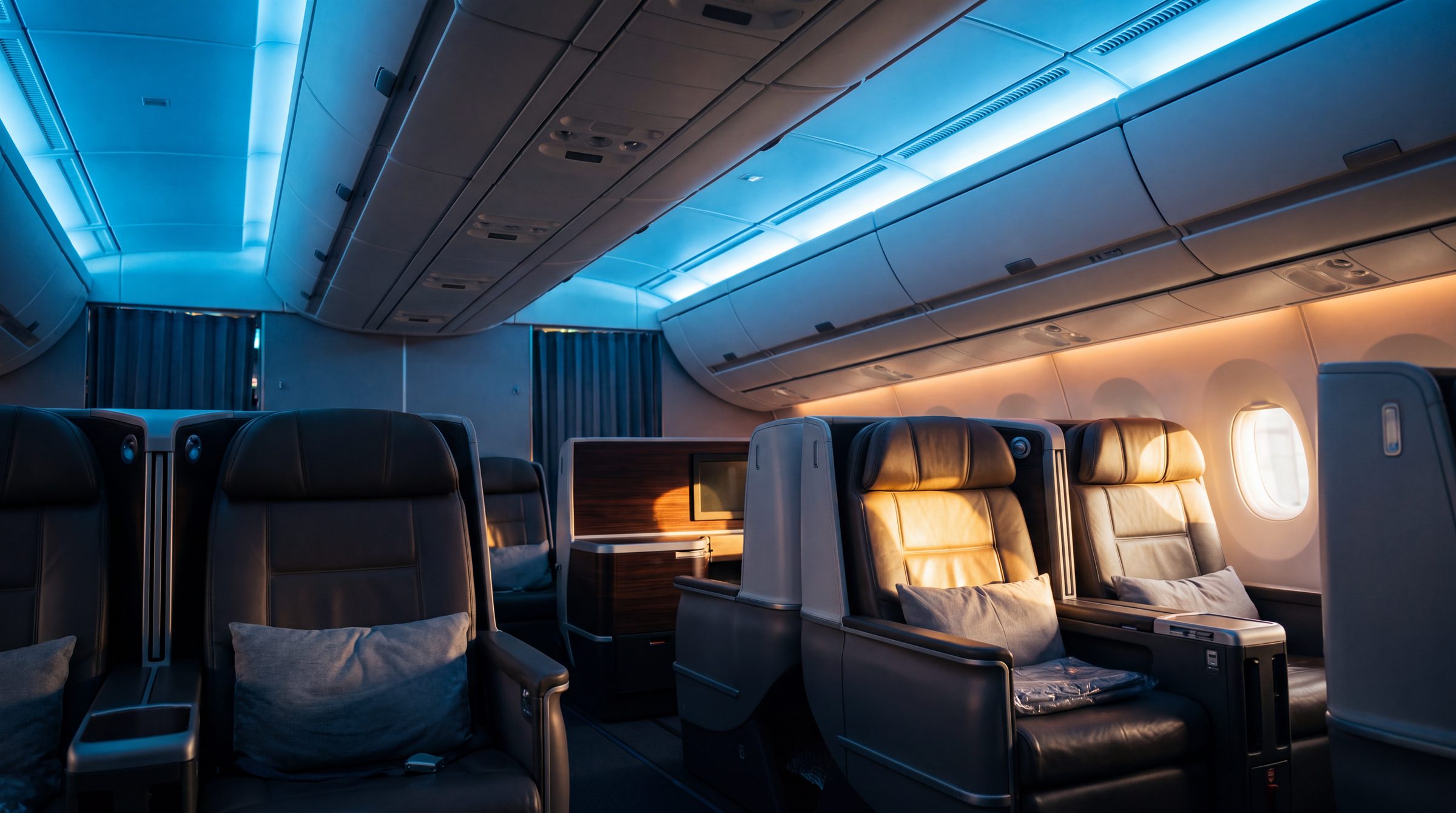
Flight seat maps
The cabin of the aircraft on your flight, drawn where the rows really sit. A score for every seat, and which side the sun is on.
01
Look up the flight. SeatGuru matches the tail, or the type the airline has filed, to that airline’s cabin — not a generic diagram of the model.
02
Legroom, a missing window, the lavatory in front, an exit row. Where the airline publishes it, recline, power and Wi-Fi too. The score says why.
03
For your route and your departure, the app works out which windows the sun shines through. Useful on a daytime long haul. Useless to guess.
Sun side
The app flies the route from departure to arrival and asks, each minute, which windows face the sun. Play an example. It is an illustration of the idea, not your flight.
The air
A forecast from a weather model, along the route. Play this example. It is not a live forecast, it does not see thunderstorms, and the app never treats it as a promise.
Mostly smooth, some bumpy stretches
An illustration
This cabin is drawn for the page. It is not an airline’s map, and the scores are examples of how SeatGuru explains a seat. The maps in the app come from the airline’s own seat map and the manufacturer’s door positions.
ShadeAisleSun
Pass it on
From a flight in the app, share a link. Anyone can open it and see the airline, the route, the times and the aircraft. With SeatGuru installed, the link opens on that flight’s seat map.
Seat maps are in the app, so they open without a connection. Flight times need one.
Download for iPhone